AirPrint is a feature that feature the iOS devices and that allows the user to print wirelessly through physical printers connected to a local network. That in order to use AirPrint, Yes, it is necessary to use applications which, luckily, every day there are more.
Here we bring you a series of applications that you can take advantage of the AirPrint feature. You also have to know that this feature is compatible with iPhone, iPad and iPod Touch.
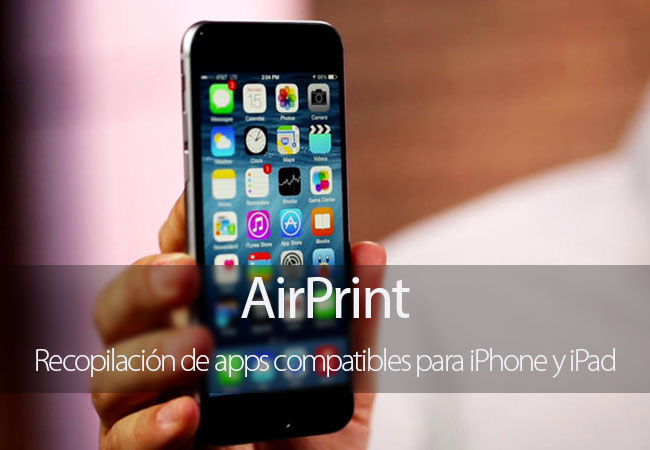
Print wirelessly from your iPhone or iPad by AirPrint
On the other hand, before getting full with this collection, say that AirPrint is not just for Apple applications, also there are several applications developed by third parties that are supported with this feature. Now, let’s see the apps that you can take advantage of AirPrint, a function that often gets forgotten and relegated to the background.
Pages
Pages is a word processor of Apple which is available on the App Store for €9.99, although for a time you can get this and other apps as Numbers or Keynote free to activate a new device. You can write documents comfortably on the iPhone or iPad and then print wirelessly and have it physically.
WP-Appbox: Pages (€9.99, App Store) →
Numbers
With Numbers you can create spreadsheets and since time has support for AirPrint. In this way you can create your documents anywhere and print it without using a computer.
WP-Appbox: Numbers (€9.99, App Store) →
Keynote
Thanks to its compatibility lets you create your presentations while you’re on the way to work or college and then print it. Apple app is very complete and offers many possibilities when it comes to making presentations.
WP-Appbox: Keynote (€9.99, App Store) →
Instapaper
Instapaper also has support for technology which concerns us, in a way that can save not only the articles that most interest you, also you can print them to read them comfortably on paper when you want. It is also very useful when you need information to perform any work or anything else.
WP-Appbox: Instapaper (Free*, App Store) →
OmniGraffle 2
With this application you can create diagrams, processes, graphics design pages or layout of a web page. OmniGraffle 2 allows you to create and draw shapes, drag objects and cut them to create diagrams in a blink of eyes that you can then print wirelessly.
WP-Appbox: OmniGraffle 2 (€49.99*, App Store) →
EverNote
With Evernote, you can write notes, store photos, notes and sync all your devices at. In addition, if you want to print a note you can do so thanks to its compatibility with AirPrint very easily.
WP-Appbox: EverNote (Free*, App Store) →
iAnnotate PDF
Read, mark and share PDFs, Word documents, PowerPoint presentations or image files. iAnnotate PDF is also compatible with AirPrint so you can print the documents you want easily.
WP-Appbox: iAnnotate PDF (€9.99, App Store) →
Crossword puzzles
If you like crossword puzzles with this application you can download and play to an endless number of them, get tracks and view definitions. In addition, if you are more traditional and prefer to fill them by hand also you can print them.
WP-Appbox: Crosswords (€9,99*, App Store) →
forScore
This application is perfect for music lovers. Account with numerous scores that you can download and print for later play.
WP-Appbox: forScore (€9,99*, App Store) →
WritePad for iPad
WritePad is an app advanced to take handwritten notes that has the peculiarity that automatically converts your handwriting into digital text. What best way to take notes by hand in class and not having to spend them then to computer to print them?
WP-Appbox: WritePad for iPad (€4.99*, App Store) →
Wikipanion for iPad
This application allows you to access Wikipedia from the iPad’s very comfortably and quickly. In addition, thanks to its compatibility with AirPrint you can print articles that most interest you directly from the iPad.
WP-Appbox: Wikipanion for iPad (Free, App Store) →
5 documents
You can read, write, download and print virtually anything you want, since it is capable of managing multiple formats documents Documents 5. What more can ask for?
WP-Appbox: 5 documents – download (Free, App Store) Manager and fast PDF reader →
These are some of the applications that have support for AirPrint in iOS. We have possibly left us some app outside of the list, so if you know any, and think that it should be part of it, do not hesitate to tell us what in the comments.


