When is us presents an error in an iPhone, iPad or iPod Touch tends to be difficult to find a solution. The operating system does not have functions of recovery of errors and iTunes, the software we use to synchronize with your computer as a general rule, nor. This leaves us little room for manoeuvre and it is usual to try to restart the device and if problems continue to spend to restore it to factory State and then return to the healthy status using a backup.
By luck have appeared some applications that we can help to correct failures in devices iOS and today want to talk you of an of them: tenorshare iCareFone, an application that has with six functions main and that can replace by full to iTunes to synchronize our devices.

Main functions of tenorshare iCareFone
As said, iCareFone has with six functions main and in the following lines are going to explain what we can do with each an of them:
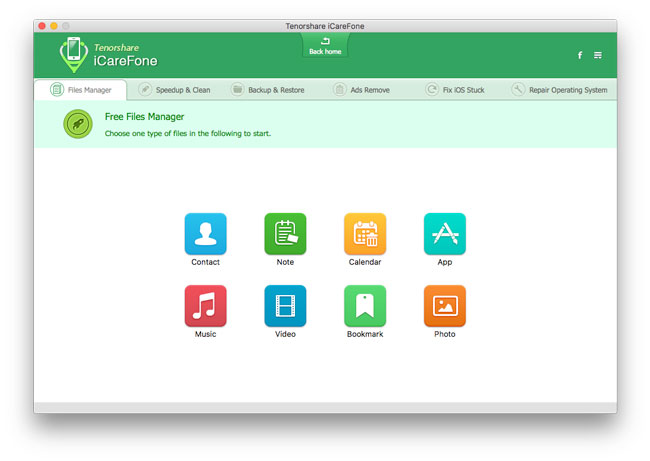
1.- Free Files Manager: thanks to this function you can manage the files on our device. It is compatible with contacts, calendars, notes, bookmarks, videos, music, photos or apps, and allows us to move files from your computer to the device iOS in a very simple way and without using iTunes.
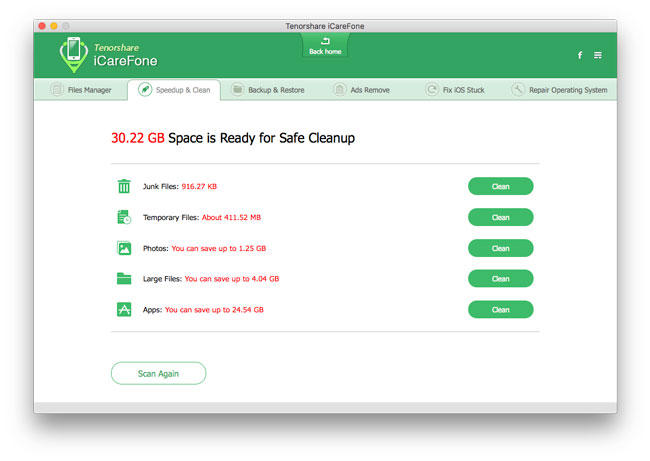
2.- Speedup & Clean: iOS is a system operating that do not include options of maintenance. Apple decided to automate this type of tasks and is true that as a general rule, it is sufficient, but if we do file cleanup trash this tool is very useful. Analyzes the iDevice connected storage and gives us options to delete the temporary files, junk files, large files, apps that we do not use or even delete all photos with a single click.
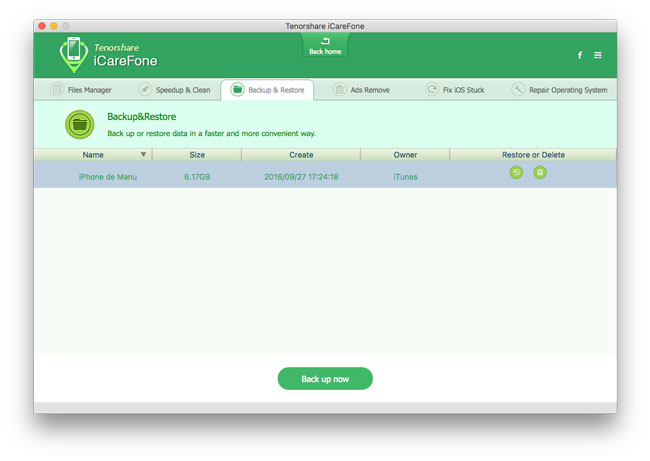
3. Backup & Restore: this option allows us to make backup copies of our devices and which they are not replaced with new ones to connect them back to your computer as in iTunes. We could have stored as many backups as you want (or as fit in our storage system) and restore them in a couple of clicks.
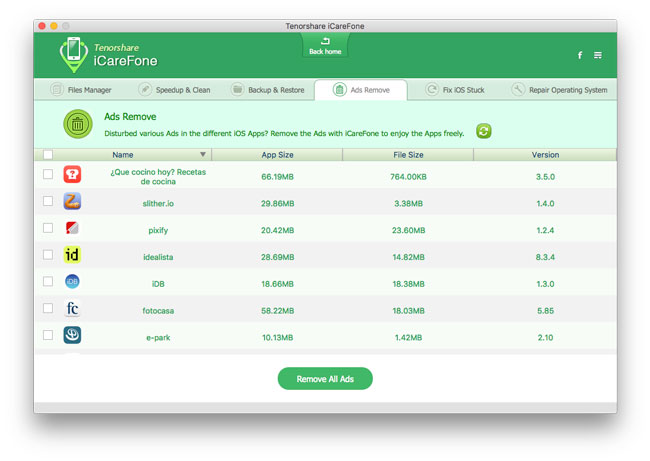
4.- Ads Remove: allows us to eliminate the advertising of the apps installed on your device with a few clicks. For me this is not the best feature that has iCareFone, I believe that developers deserve to be able to monetize work they have done creating apps and offering free of charge (pay apps already do not have advertising normally).
5 Fix iOS Stuck: through this option the software is capable of solving many of the most common errors that occur when you upgrade the operating system of the same automatically.
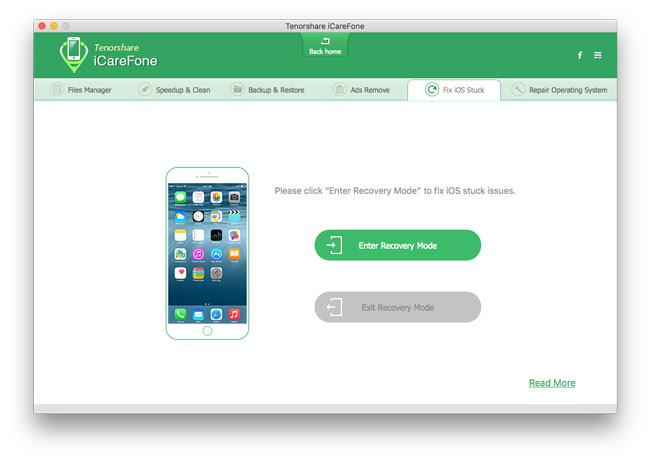
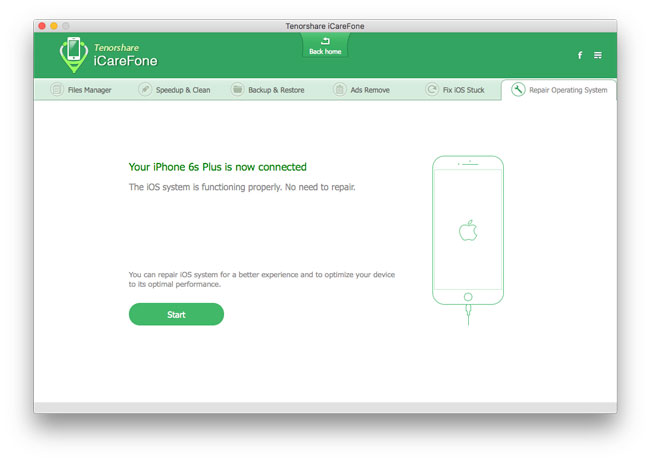
6.- Repair Operating System: sometimes it is possible that iOS starts either wrong or slow, this option can solve many of these problems and, best of all, almost automatically.
As you can see, Tenorhsare iCareFone is a software quite full. An all-in-one that allows us to manage the files of our iPhone, iPad and iPod Touch, in addition to repair problems that can appear at any time and also make backups to keep your data safe.
Download iCareFone from tenorshare for Mac and Windows
The software is available both for macOS as for Windows and in this moment is of offer and is can get for 29.99 €. In addition, there is a version of test so can rating if is is useful this type of programs. You can download it from the links below:
iCareFone is compatible with all iOS devices that have come out so far, including the recent iPhone 7 and 7 Plus of course with iOS 10.


