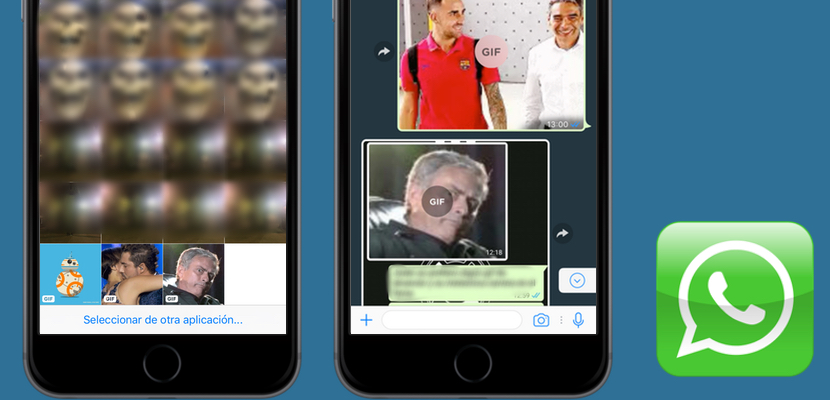
On October 31, we received an update, which was not the most awaited, as they have informed our colleagues who tested the beta of WhatsApp, video calls and GIFs Finder are just around the corner. However, what if has begun to enable already the team’s development of WhatsApp are them GIFs stored in the reel, or which get through the copy of links, as through Gboard. It happens and we tell you how the new system of GIFs in WhatsApp, the preface of a future major update.
We already know what he likes to WhatsApp developers hide beautiful functions like this then activated remotely. So, I devoted myself to store some other GIF on the reel. When I was about to send a photo this morning saw the precious logo “GIF” prayed the letters. Indeed, to send it moved. So continue investigating and we realized of that these are the three forms of send a GIF on WhatsApp for iOS:
- Save a GIF in the reel from Safari and send it as always by WhatsApp.
- Copy the link for a GIF from Safari and send it as a message.
- Use Gboard, copy a GIF and paste it into the text box.
Also you leave a video of our colleague Luis about how to send GIFs using WhatsApp in the easiest and fastest way.
It’s that easy, you can share the best GIFs via WhatsApp, it was high time. David Bisbal GIF making it the cobra to Chenoa already is giving back to the world quickly because of this new feature. On the other hand, we stress that this is not the major update that we were waiting for, one that will include a browser GIFs and that allows us to make video calls via WhatsApp, which will mean a hard stick to Skype and FaceTime. To enjoy, and leave us in the comments your best GIFs.


