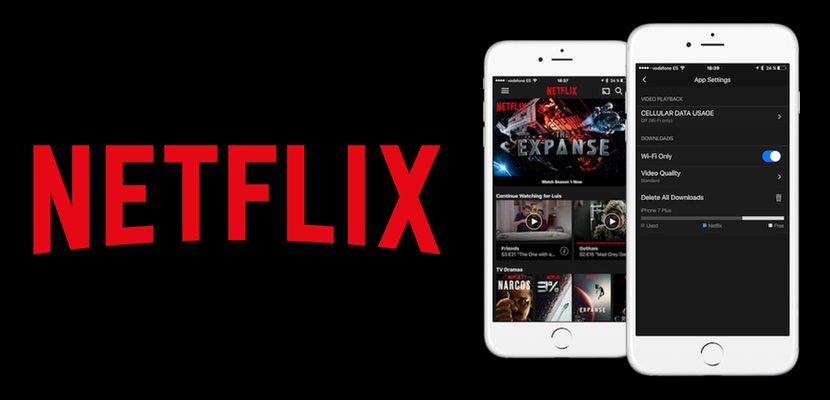
Netflix has finally answered our prayers and it is possible to download content to see it without using our data connection. We can already see our series or favorite movies while we go on the train, airplane or are in the waiting room of our doctor without having to resort to our valuable and scarce data rate, in addition to saving us money will help us so that our battery increase their duration. However is not gold all that glitters, and not the content of Netflix may be offline, and also have to be careful with what occupies that we download.

What we can to see offline and what not? It is difficult to set a standard that has been met in all cases, we can summarize saying that the own Netflix content is available for download, and the older seasons which are not specific, but that look you can find exceptions to this rule. It is best that you check what you can download the content that you like, and it is easy to identify it because when you can download a chapter you will see an icon of an arrow that will be where you have to click to start the download to the right. Take a look at the image: Gotham is not available for download, but Stranger Things Yes.
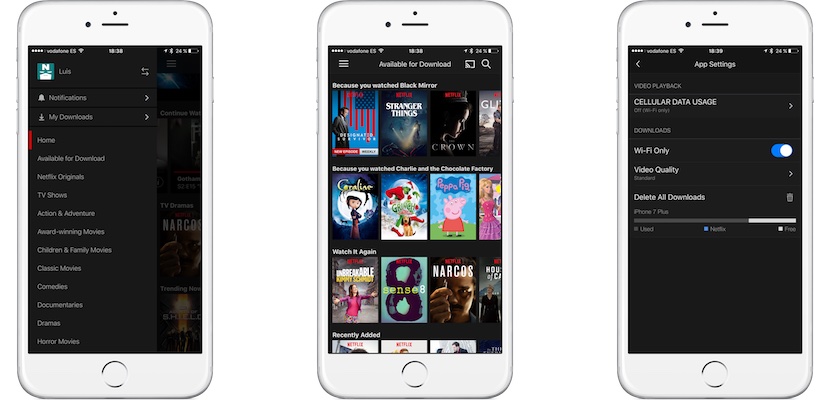
And if I want to find out what I can download without having to look one by one? Netflix offers a section where everything is what you can download, so quickly at a glance you can see it in your sidebar. You also have direct access to everything that you have downloaded, and all down the menu setting where due to losing some time configuring well downloads. Is important that limits downloads to “only via WiFi” (WiFi Only), and that the quality the settings according to your available space. The HD content can come to occupy double the SD content, so that well managed your storage.


