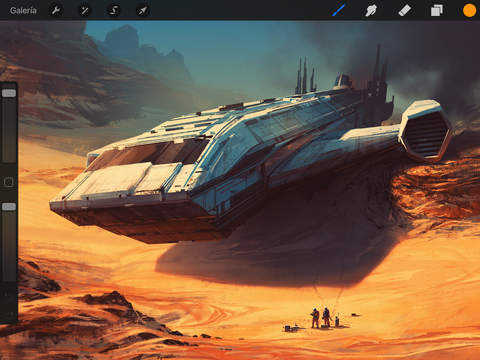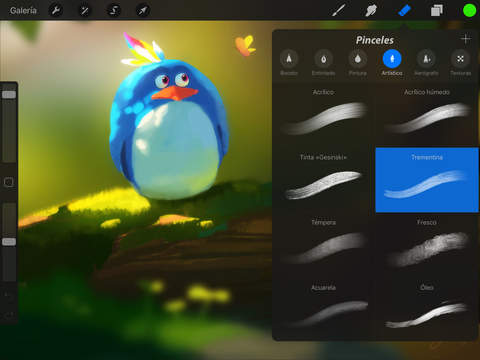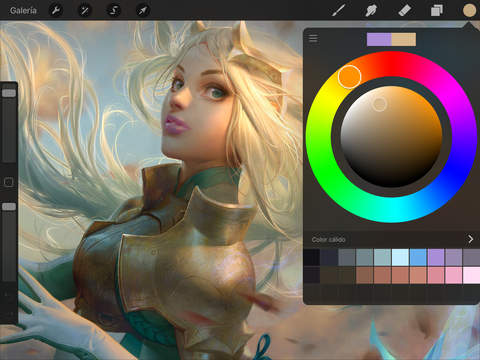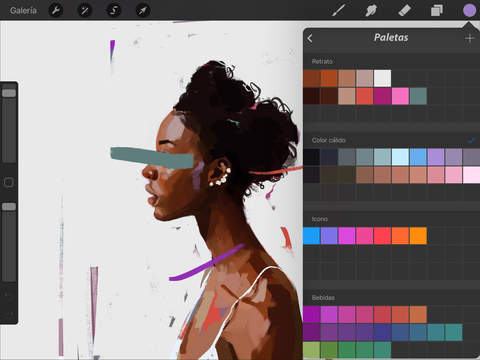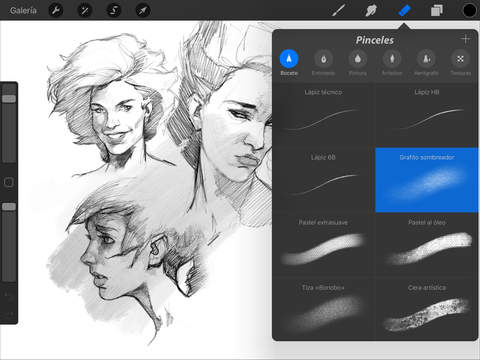
It application Procreate is has become in the best application that we can use in our iPad for edit our photographs. But also us allows create paintings or illustrations with some simple steps offering us a magnificent sketches, pictures inspiring or illustrations surprising. Procreate has been selected by Apple as an of them essential in the App Store. This application we ochre 128 spectacular brushes and an advanced system of layers, Photoshop-style.
Version for iPhone and iPad have a price different from the App Store, as they are designed to be used on different devices, offering more options in the version for iPad, thanks to its screen size. Currently Apple is giving away the iPhone version of Procreate for free through the Apple Store app. But if want to make use of it application for iPad are going to have that pass by box and pay them 5.99 euros that costs in the App Store. Taking advantage that you can download for free, the developers just updated the application offering a great number of new options that we show below.
What’s new in version 3.1 of Procreate
- Selection automatic. Select any area of the illustration with a just touch.
- Streamline. The option Streamline of them brushes stabilizing your strokes so can create curves and ornaments perfect.
- Quick Menú. Activates the Quick Menu to access instantly to your favorite features while drawing.
- Personalized canvases. Create a canvas using pixels, millimeters, centimeters or inches, as well as indicate the points per inch (DPI). Saves, rearranges, edits and removes the sizes of canvas you have created.
- Button modify. The Modify button allows you to activate the minus eyedropper of more quickly and precisely than ever.
- Export to PDF. Any illustration exported to PDF with three quality options, either exported various illustrations to a single PDF file.
- Duplication of selection button. Duplicates instantly a selection into a new layer by clicking the new button on the toolbar of selection.
- Customization of the angle of inclination. You can now indicate from what angle the inclination is activated with Apple Pencil.
- 4 K. now you can record the video in quality 4 K in the iPad Air 2 and models later.
- Ringing of the canvas. Turning of canvas now maintains the zoom level and position.

Savage Interactive Pty Ltd